See vinyl flooring in your room before you decide
Choosing a floor from a small sample is hard. The colour that looks right in your hand can read completely differently across a whole room, under your own lights and next to your own furniture. That is what a flooring visualiser is for. You see Hana Flooring's vinyl flooring laid in a real room before you commit to anything.
Drag to see the difference

 Before
After · Sierra
Visualise
Before
After · Sierra
Visualise
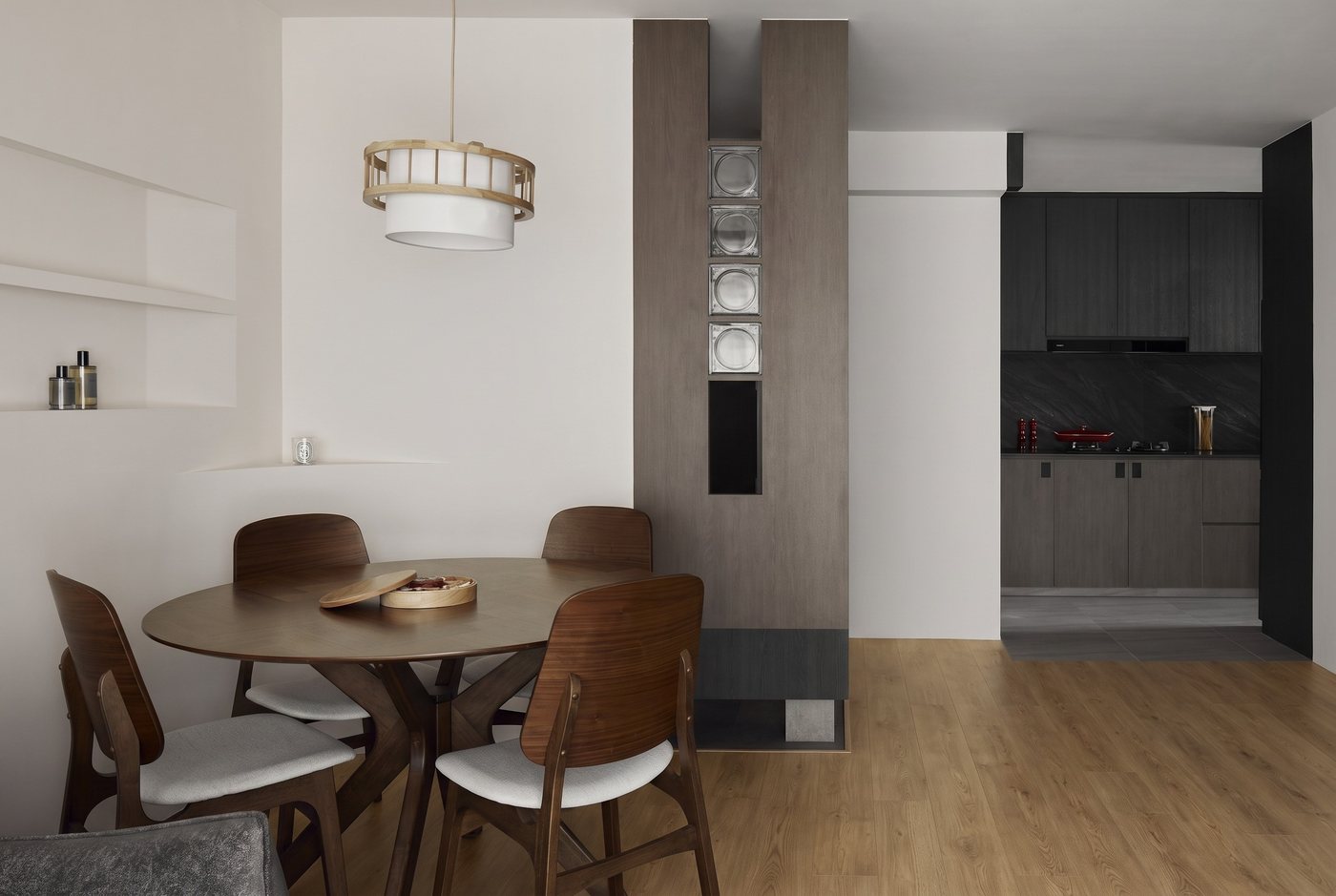
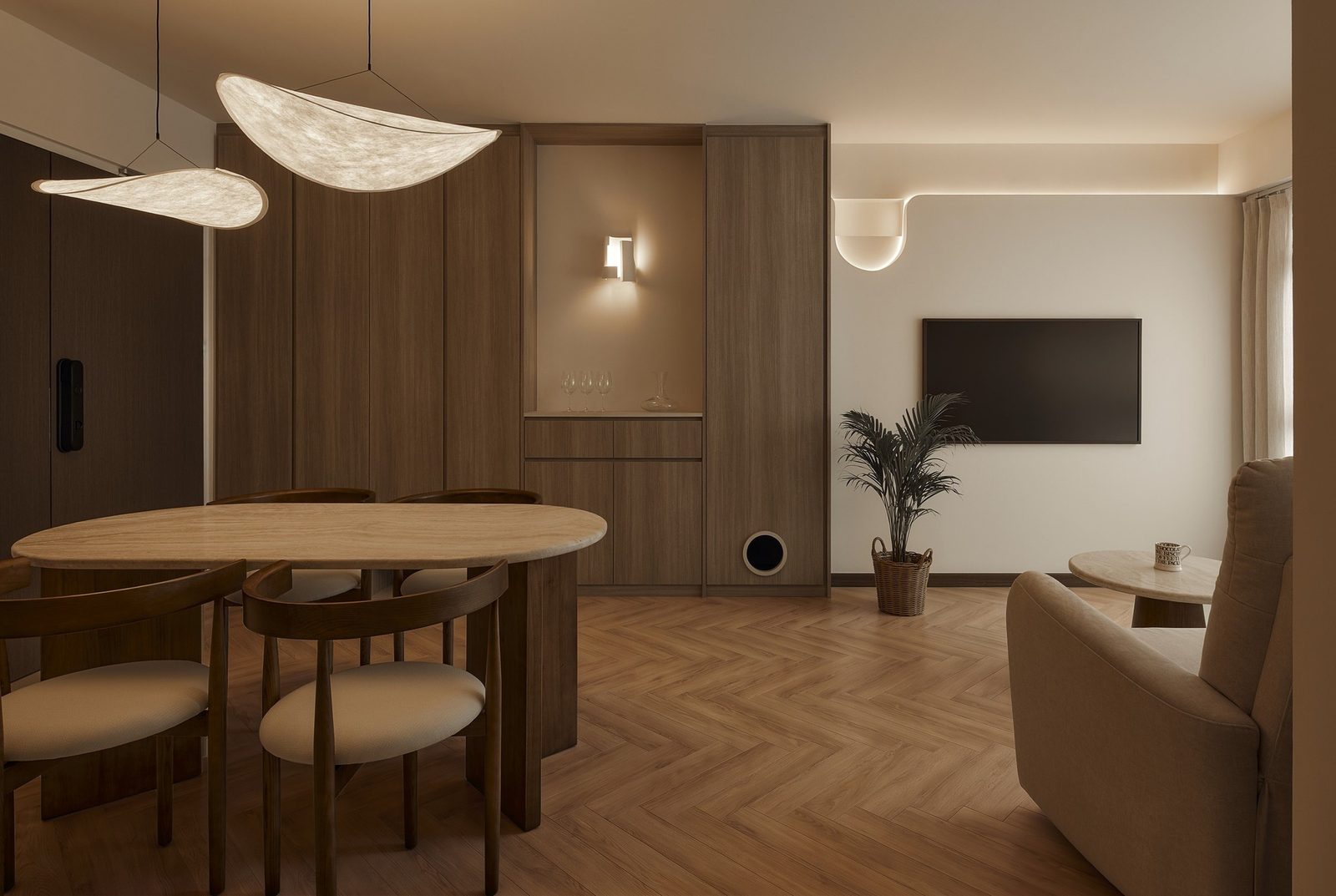
The same Singapore room. Its original pale floor on one side, Hana Sierra Oak on the other. Drag the divider to compare. Same space, just more homely.
Why a small sample never tells the whole story
Floor colour shifts with scale and light. A warm oak that looks perfect on a sample board can turn flat under cool downlights, and a pale stone can wash out in a bright HDB living room. Grain and tone also vary across a real floor in a way a single tile never shows. Seeing a finish in a full room, not on a sample, is the thing that actually helps you decide.
How to visualise vinyl flooring before you buy
There are a few ways to see vinyl flooring in a room before you buy, from quickest to most accurate:
- Our online visualiser. Pick a finish and see it laid in a real room, then drag a slider to compare the space before and after.
- A render of your own room. Send a photo of your space and the finish you like, and we lay it in, matched to your light, and send the before-and-after back. Free.
- A sample and a showroom visit. Take a full plank home, and see the range across whole rooms at our Stellar @ Tampines showroom.
Wood or stone, see both side by side
Every Hana floor is the same warm, waterproof LVT (luxury vinyl tile). Only the face changes. The Wood series gives you oak and walnut looks, from pale to near-black. The Stone series gives you seamless micro-cement looks in soft greige and clay tones. A visualiser is the fastest way to see which nature suits your room. Browse them all on our vinyl flooring range.
See the whole range in a real room
The slider above shows one finish. On the range page you can run the same before-and-after across every finish, wood and stone, and pick the one that fits your room.